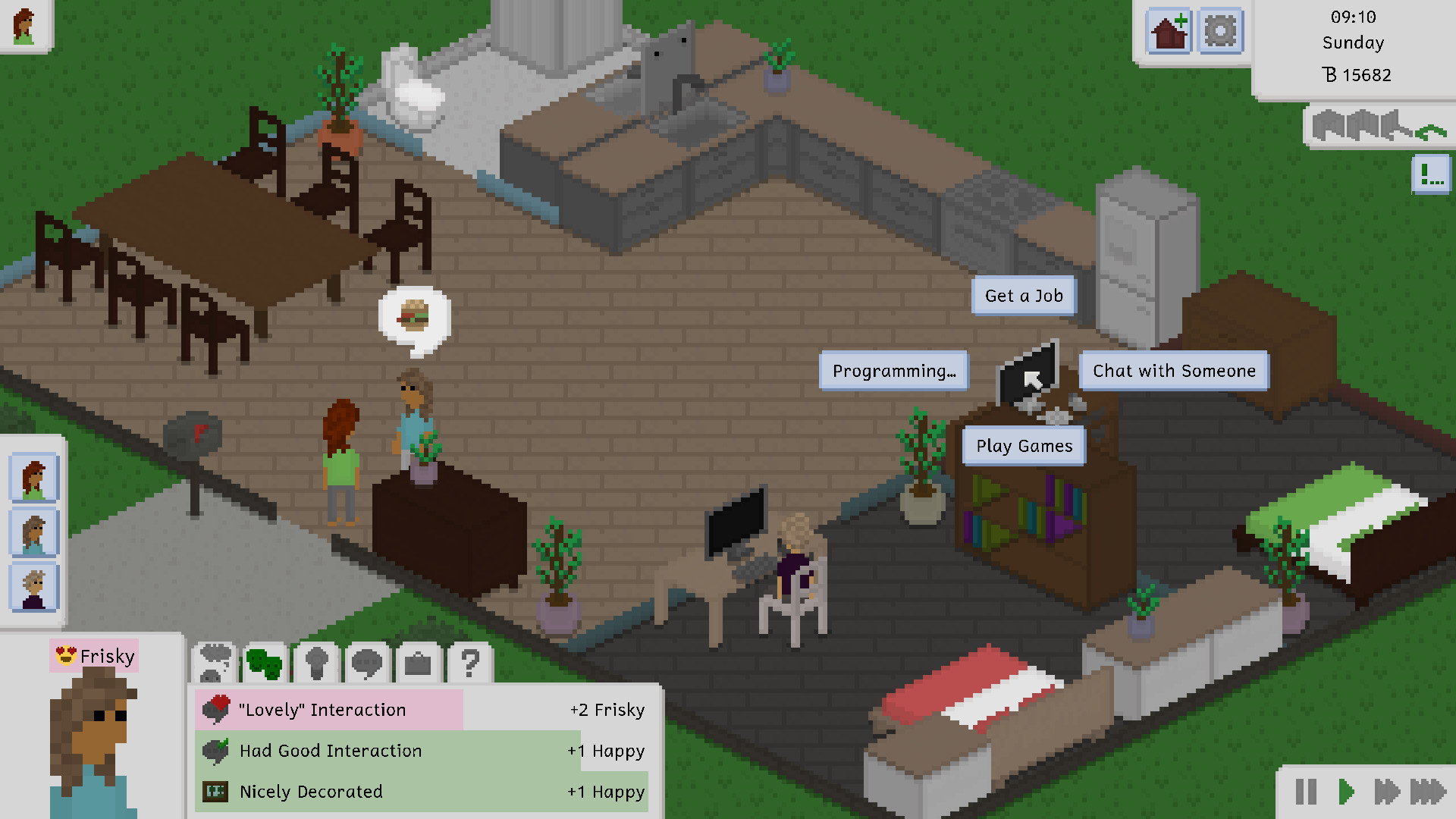
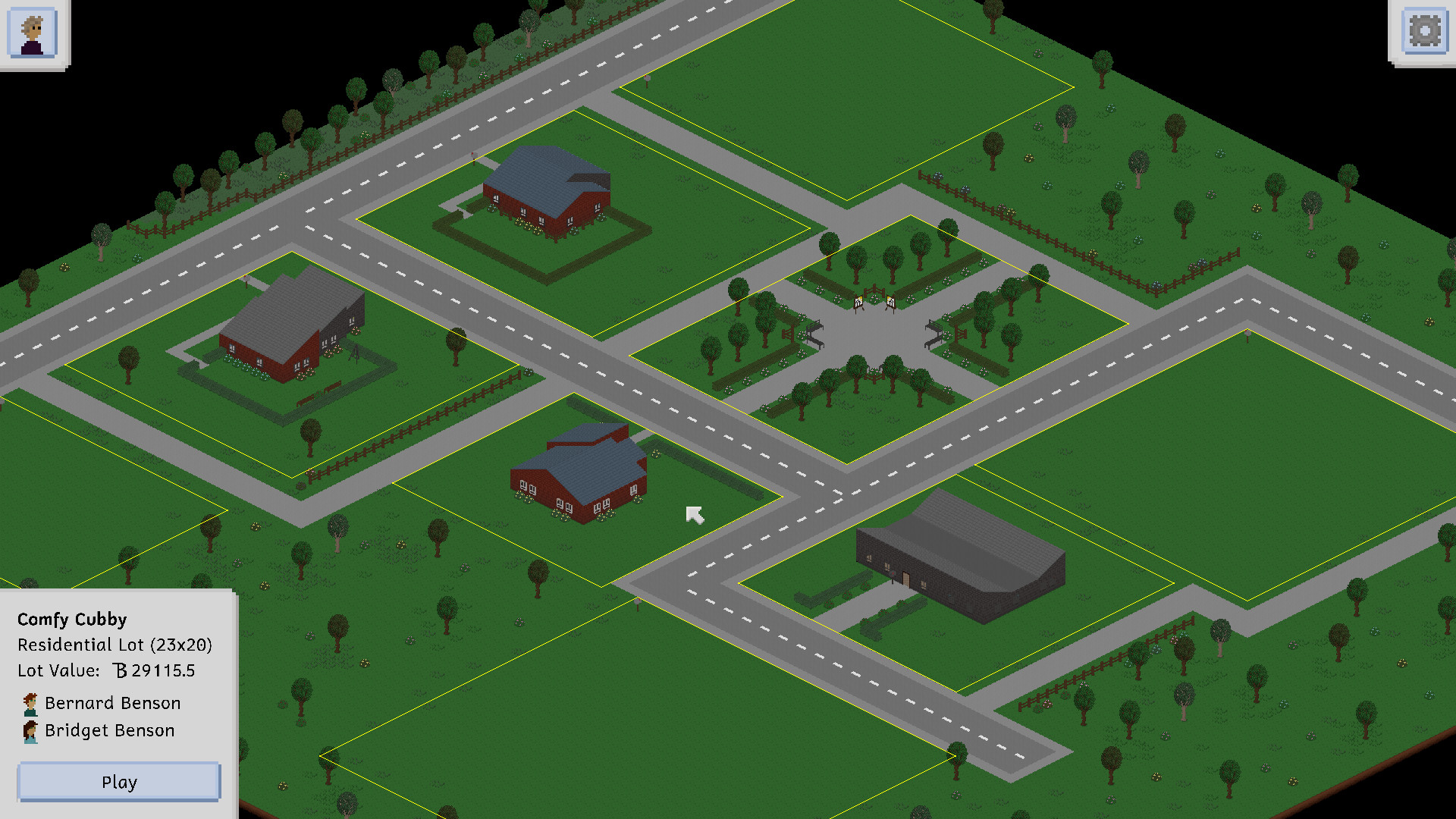
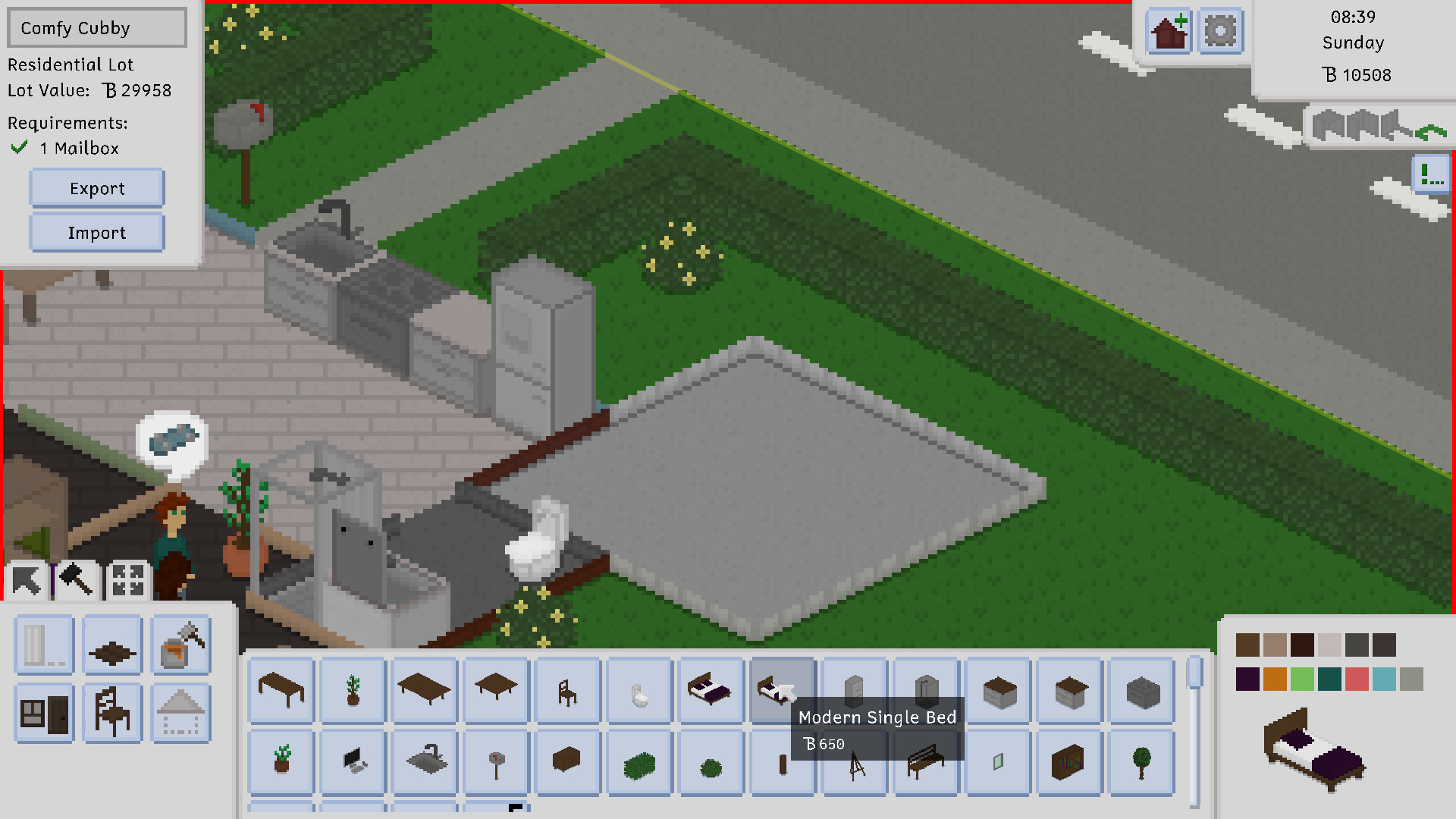
Tiny Life is a fun simulation game that tries to capture the essence of games like The Sims, but in an isometric pixelart style.
In the game, you control a set of people that live together in a household. You take care of their daily needs, build their skills, forge new relationships... or just mess up their entire life in whatever way you can think of!
ell:\n\nHi everyone! It\'s been a hot minute since the last Tiny Life Community Showcase post, but I\'ve been wanting to revive the category for years now. The opportunity presented itself to me when long-time friend of mine and modder of Tiny Life blur created the Tiny Louvre mod and an accompanying video and blog post on his website.\n\nThe following post is a version of the original post modified by them to appear on the Tiny Life blog and accompanying platforms. It goes into detail about what Tiny Louvre is, how it was created, and gets technical about some implementation details here and there. In that way, it\'s also sort of a light version of a Tiny Technicalities post.\n\nI hope you enjoy reading blur\'s post, and please keep in mind to check out the mod afterwards!\n\nEditor\'s note: The formatting of this post is a bit of a mess on Steam, as there are few automated ways to convert from Markdown to BBCode (which is the formatting that Steam expects posts to be in) and this post uses a lot of special formatting in various places. I\'ve tried to amend it as best I can, but for the best experience, I recommend reading the post on the website instead.\n\n[hr][/hr]\n\nblur:\n\nSo, recently I made a mod for Tiny Life called Tiny Louvre.\nThis mod adds paintings you can create in-game that both show up on furniture in-game and can be shared with and downloaded from other players.\nTo this end, the mod adds a variety of bits, like an easel with a painting\ninterface, a museum where people can view art collated from online,\nand, well, the paintings themselves!\n\nI made a video about the mod and how it works if you\'re interested:\n\n\n\nAnyway, when I was making it, I bumped into some design challenges, and for the sake of my future self and anyone else looking to make a Tiny Life mod with these features, I figured I\'d enumerate the challenges and the solutions I landed on.\n\n
Adding Default Maps
\n\nSo, Tiny Louvre adds a new default map, the Tiny Louvre.\nThis is a museum lot that lets players view a variety of both classical paintings I added to the game and paintings downloaded from online.\n\nAnd this was simple enough, right?\nI just used the Creating Custom Maps tutorial in the Tiny Life docs to create the custom map, exported it, and copied the .json file into Content/TinyLouvre/Maps.\n\nBut wait, it wasn\'t appearing in the map list.\nI guess that\'s to be expected, there\'s probably a method or event for telling the game what maps my mod adds.\nAnd yep, there\'s Map.OnGetStaticMaps , which I can hook into without much fuss.\n\n\n\nHey, there it is!\n \nI should make sure this works before I celebrate too much.\nCheck the map off, create the world, aaaaaand crash.\n\nSo, reading in modern day you might see something noteworthy in the OnGetStaticMaps docs:\n\n
If this event is subscribed to and one or more custom maps are added to the list, the OnLoadStaticMap event should also be subscribed to to handle actually loading these maps.
\n\nThat\'s because ell added that to the docs while we were talking about this issue.\nAt the time, I had no idea I had to do something else to load the map, but it turns out I also had to subscribe to\nOnLoadStaticMap .\nOkay, so add a new bit to AddGameContent,\n\n[code]Map.OnLoadStaticMap += (MapInfo mapInfo, Newtonsoft.Json.JsonSerializer serializer, ref Map map) =>\n{\n if(mapInfo.Name == \"TinyLouvre\") \n map ??= info.Content.LoadJson




 \n\nHey, there it is!\n \nI should make sure this works before I celebrate too much.\nCheck the map off, create the world, aaaaaand crash.\n\nSo, reading in modern day you might see something noteworthy in the OnGetStaticMaps docs:\n\n