



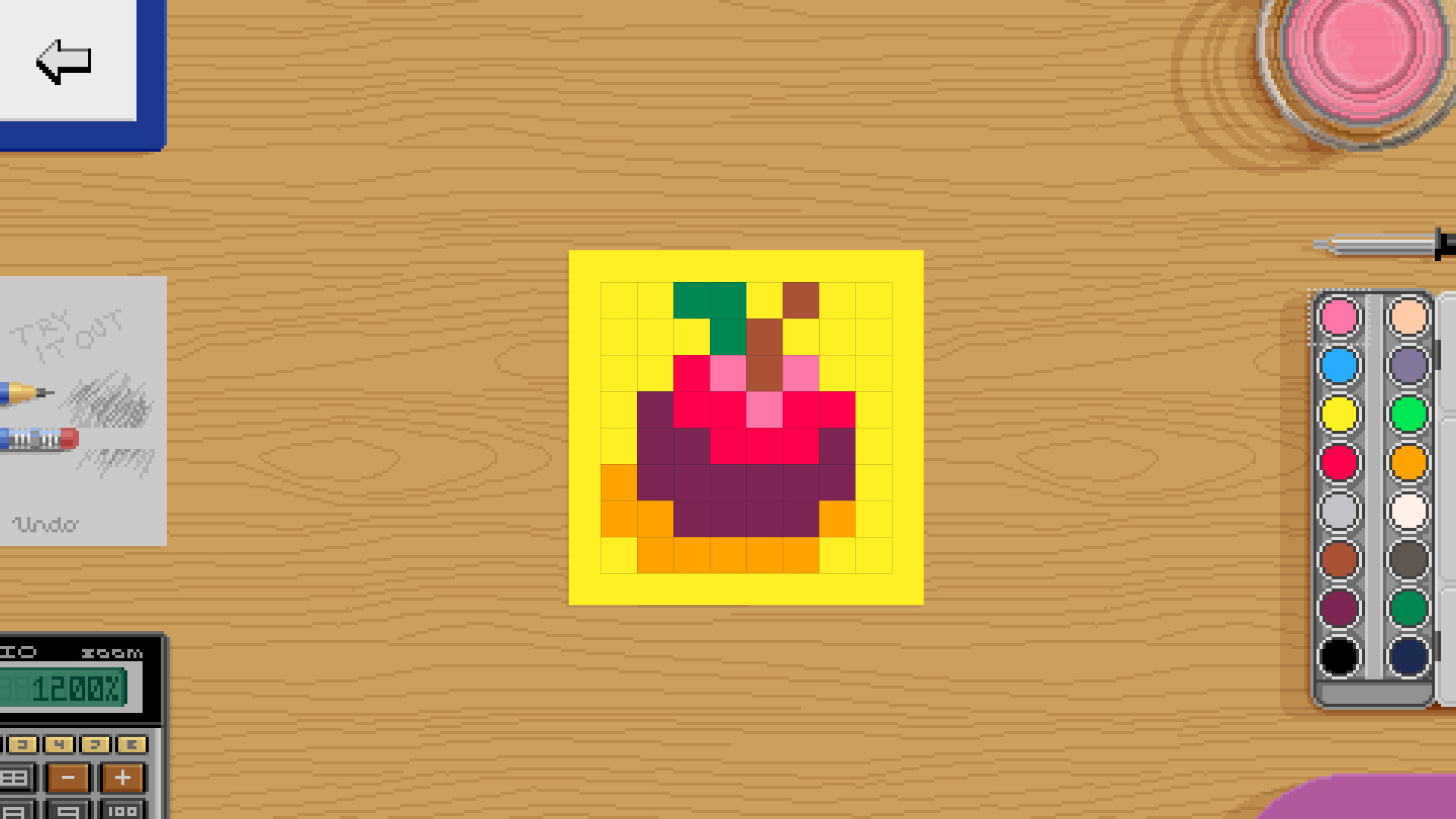
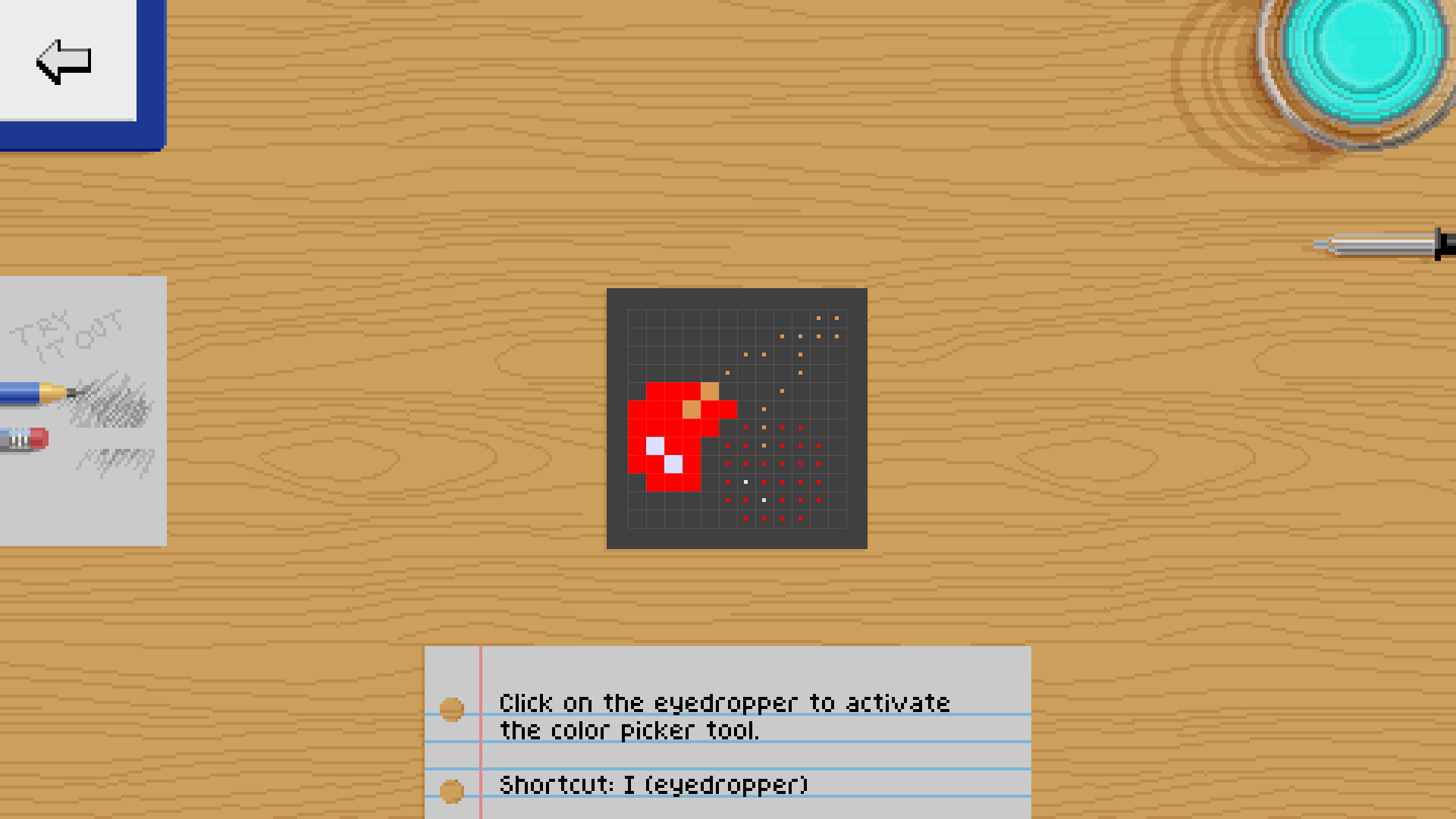
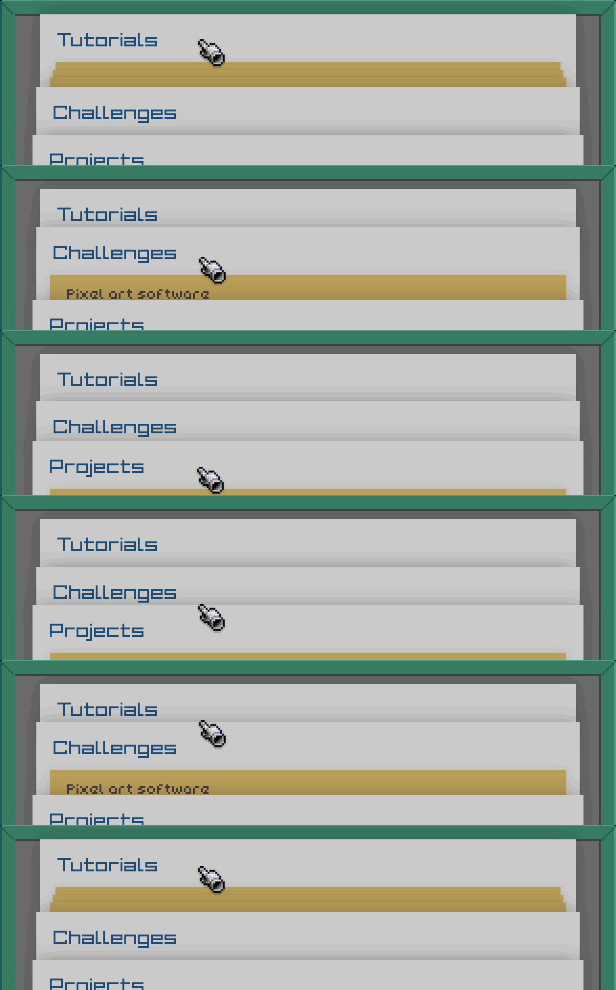
Learn by doing
Pixel Art Academy's interactive tutorials are designed for learning by doing. While there will be plenty of nerdy reading, all lessons are immediately followed by drawing what you've learned.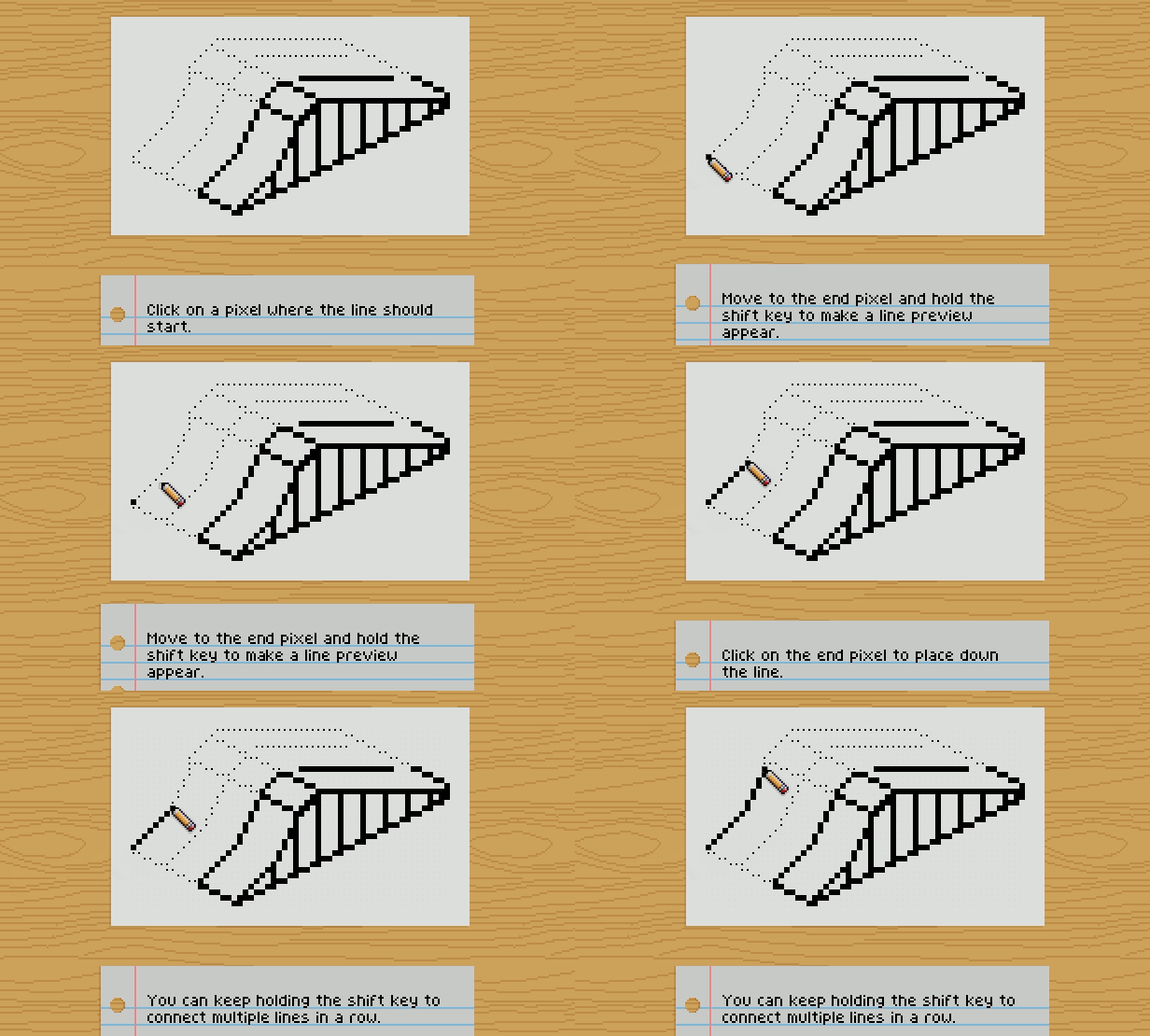
Test your knowledge
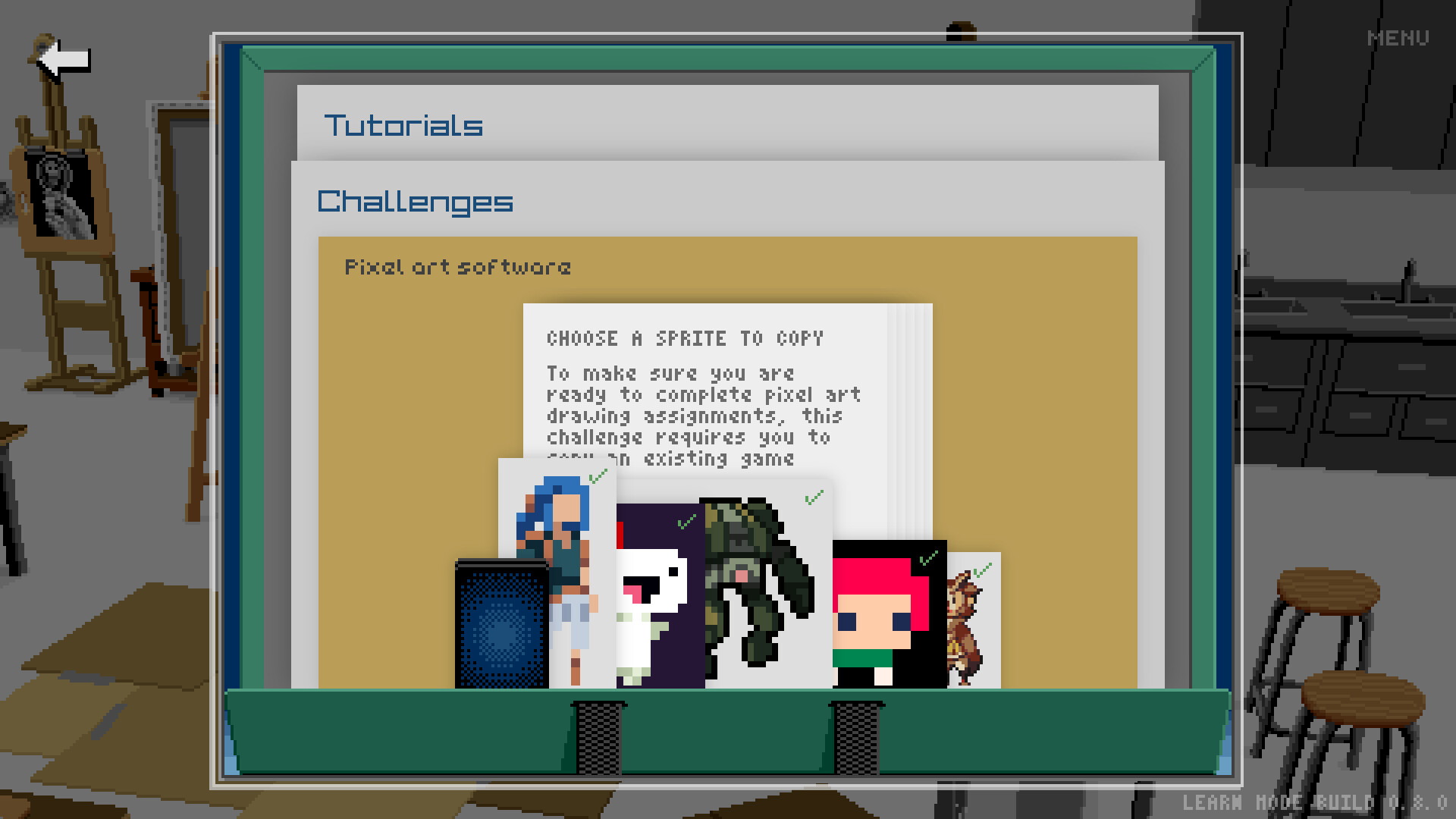
Before you move on, you want to make sure you understand what you've been learning. Pixel Art Academy uses formative assessment to identify gaps in knowledge so that you can apply further study and practice to build strong fundamentals.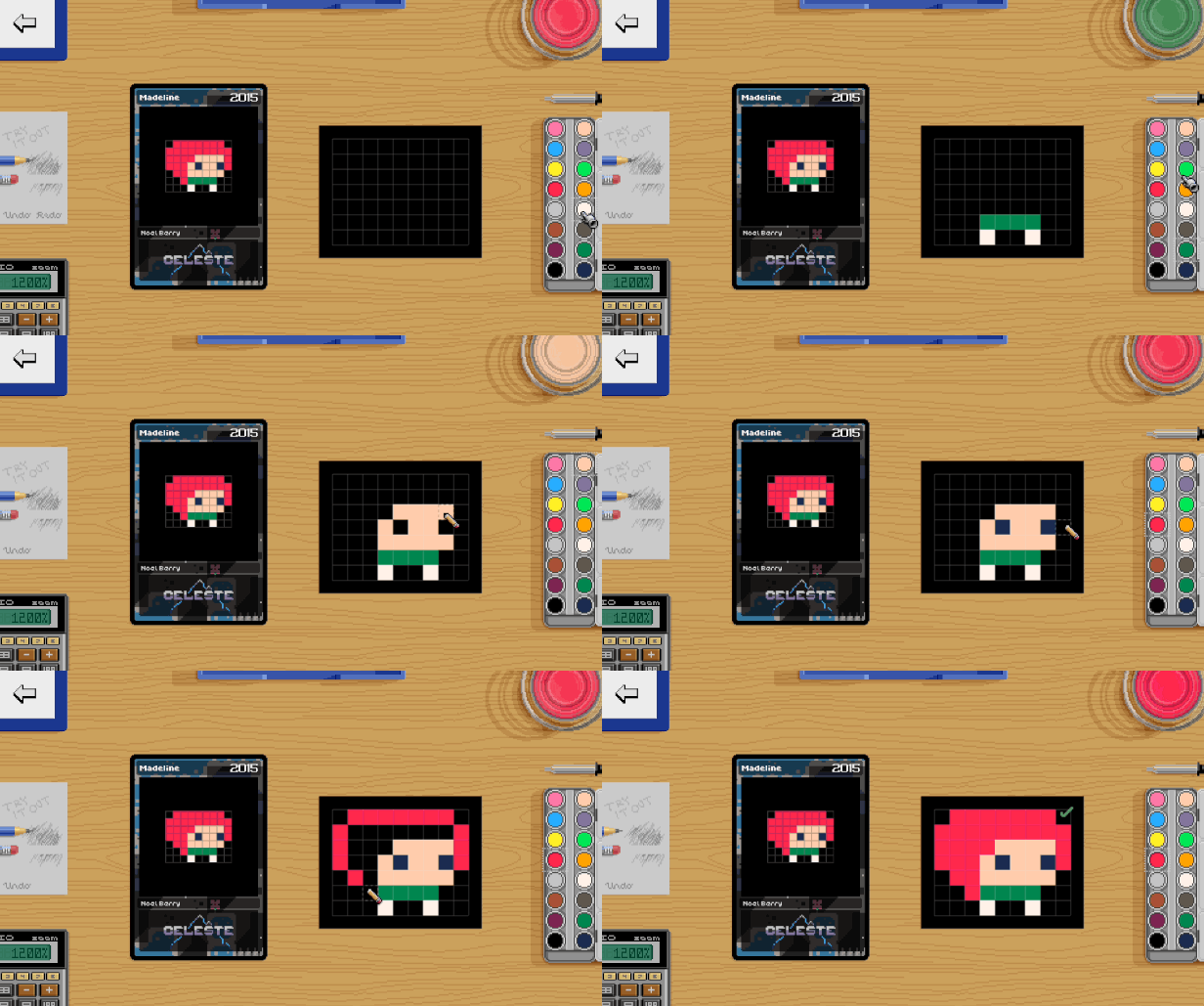
Become a game artist
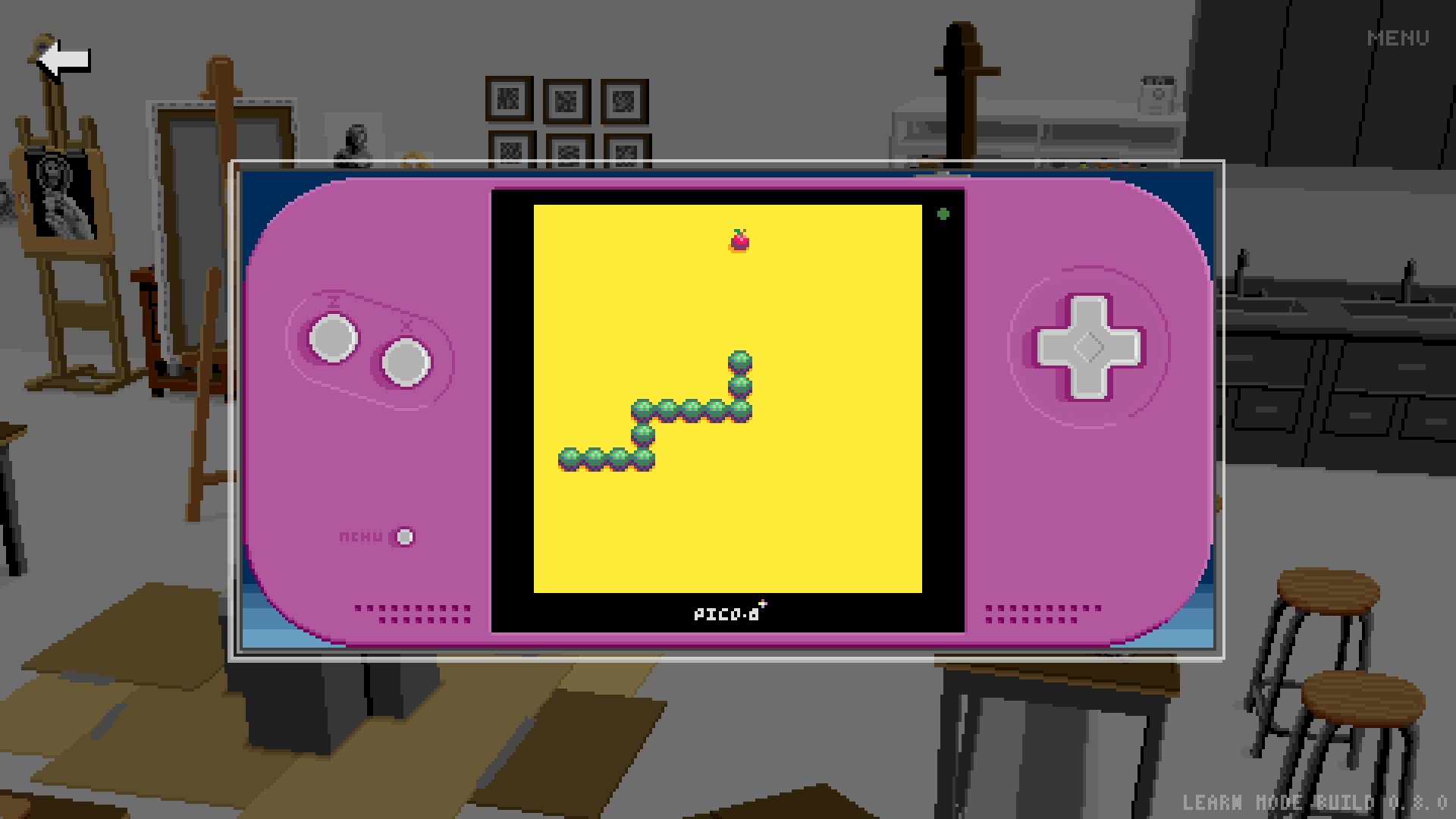
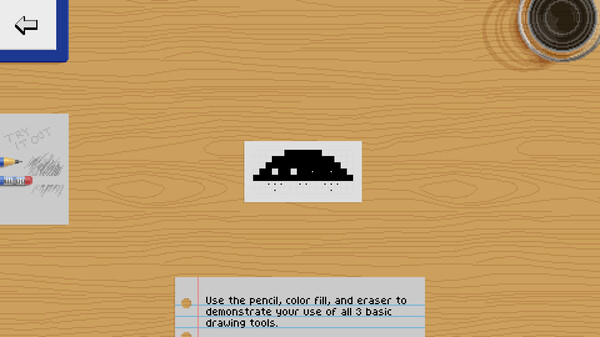
You can't be an artist by just copying other people's work. It's time to create your own art! In Pixel Art Academy, you will be working on various projects, most of them creating art for classic games such as snake, invaders, block breaker, and pinball creator.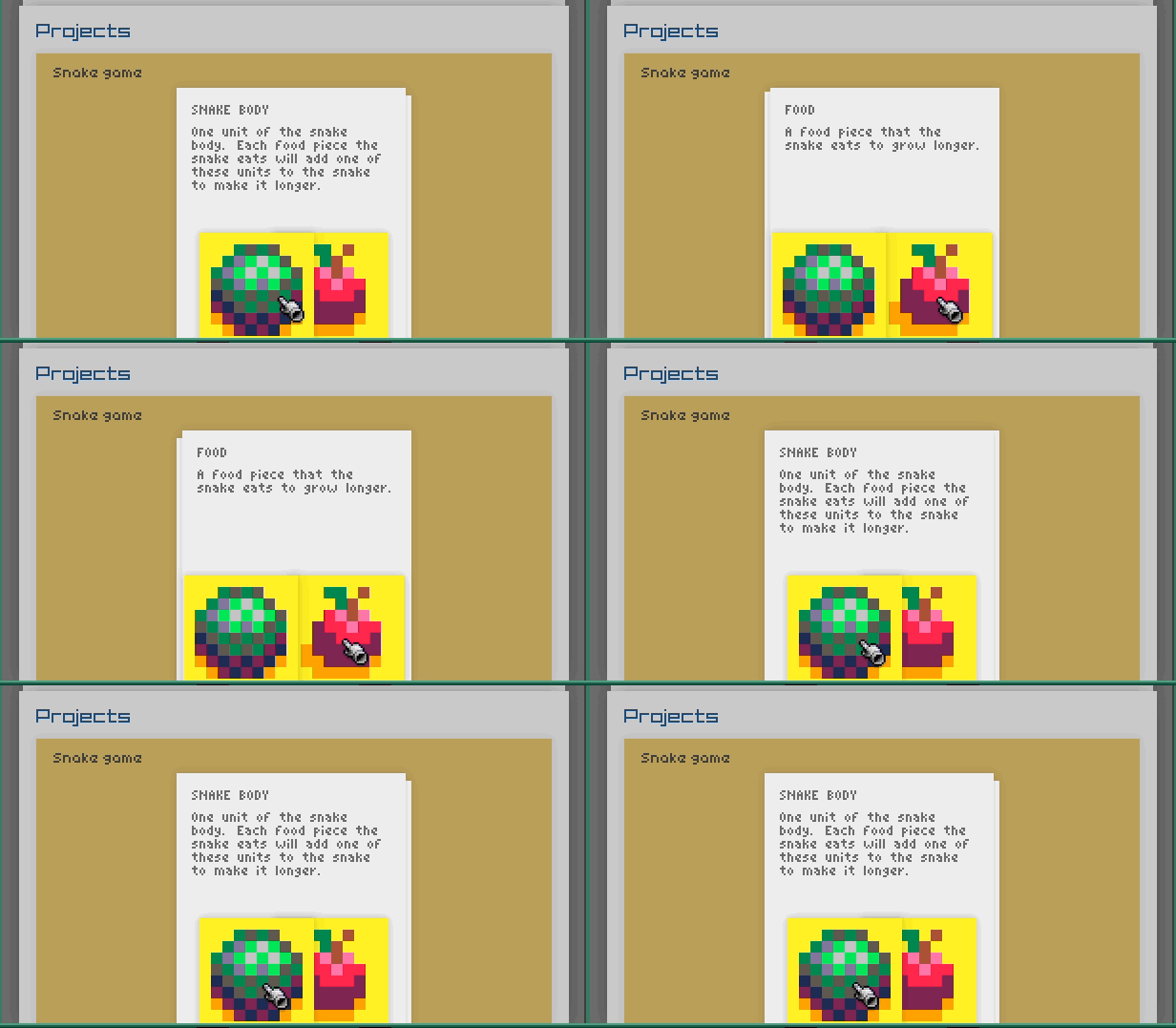
Play your creations
Immediate feedback is very important. Start up the game and see how your sprites look in context. Then jump back to the canvas and immediately see your changes.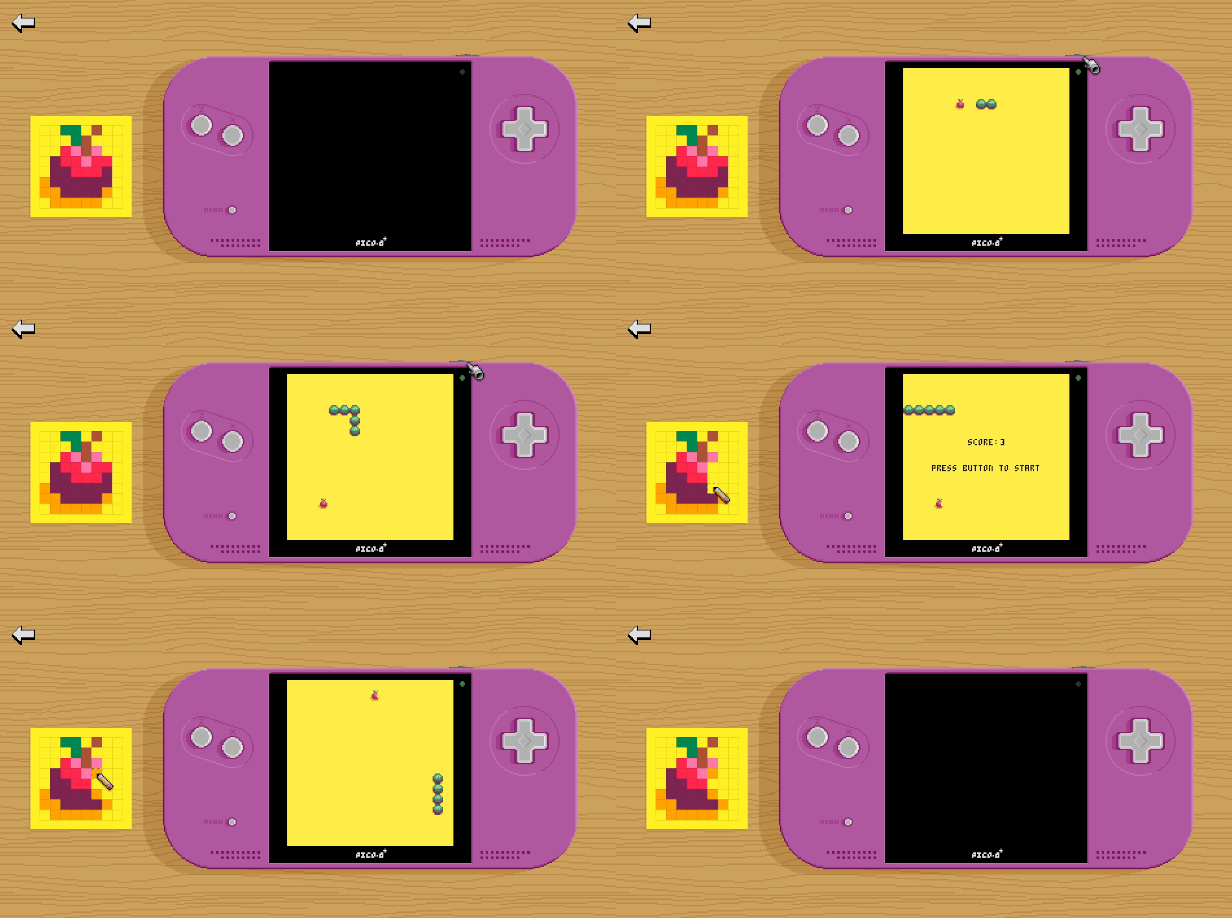
Future development
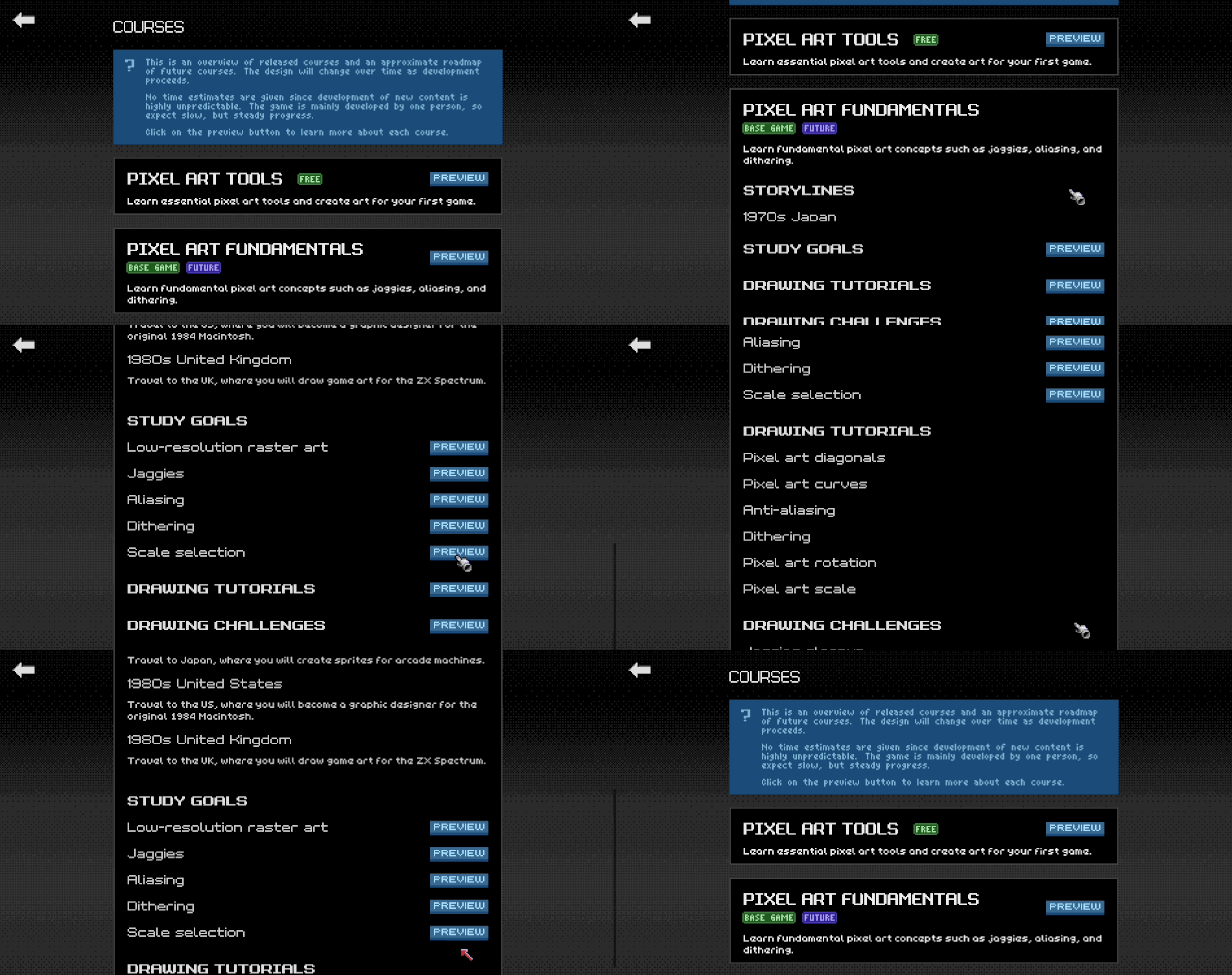
I've been working on Pixel Art Academy for almost a decade, building the game's engine, writing the story, and narrowing down the learning design. While the bigger adventure game that I have in mind is still far from complete, the game's educational core is ready to be shared with a wider audience. That's why I created Learn Mode, a standalone single-player version that includes just the polished learning content.During the Early Access period, I will create tutorials, challenges, and projects that cover the major pixel art fundamentals (jaggies, dithering, and aliasing), applied to different areas (characters, environments, items). After this first course gets a full release, the development will continue to other areas (drawing from observation, perspective, shading …) as well as integration of the new content into the game's full Adventure Mode.
🕹️ Partial Controller Support
🎮 Full Controller Support
- [0 B]
TL;DR:
Study Plan app shows the big picture of available goals and tasks.
[/*]Add goals to get new tasks.
[/*]Mark goals complete to hide them from the Drawing app.
[/*]
Before I could add more tutorials, I had to solve the issue of the Drawing app getting cluttered as you complete more and more tasks.
I also wanted you to have a better overview of your learning journey (than the Progress tracker in the main menu).
Both of these could be solved with a study plan where you could add your goals and mark them complete when you\'re done. It starts small, as soon as you complete the Basics tutorial.
[img src=\"https://cdn.cloudflare.steamstatic.com/steamcommunity/public/images/clans/44592760/c657af42ff246c7cd6a9b9c44189aaa7dfc51b44.png\"][/img]
Over time you will add more goals and gain the ability to plan your journey further ahead. The map will then reveal itself as you complete the tasks.
[img src=\"https://cdn.cloudflare.steamstatic.com/steamcommunity/public/images/clans/44592760/326b69880e8e7aebd13808dc01eeaa8801d4fa9b.gif\"][/img]
It\'s a sort of an overworld view that shows the big picture of what you can do in the game. It also makes it easier to see which things you can solve in parallel and where those branches will lead you.
[img src=\"https://cdn.cloudflare.steamstatic.com/steamcommunity/public/images/clans/44592760/e46f5ee20bee1bb8cb8b978af2cf93a640d13ab2.png\"][/img]
To mark a goal complete, click on the flagpole and that will also make the tutorials disappear from the Drawing app (you can always bring them back later by clicking on the flag again).
[img src=\"https://cdn.cloudflare.steamstatic.com/steamcommunity/public/images/clans/44592760/d6fdf1eaccb703784c256a26a57d5fd28a6ce011.png\"][/img]
I hope you will enjoy this new look at the game\'s content and have a better overview of all that you achieved and what else there is to do.
Now I can finally continue with the tutorials. The next one will be on pixel art scale.
See you then and wishing you all a creative and peaceful 2026!
Retro
Minimum Setup
- OS: 64-bit Ubuntu 14.04
[ 6424 ]

























[ 5886 ]


[ 1587 ]


















[ 2438 ]


















[ 482 ]










Time left:
356098 days, 5 hours, 47 minutes

Time left:
356098 days, 5 hours, 47 minutes

Time left:
2 days, 13 hours, 47 minutes

Time left:
30 days, 13 hours, 47 minutes

Time left:
33 days, 13 hours, 47 minutes

Time left:
34 days, 13 hours, 47 minutes

Time left:
56 days, 5 hours, 46 minutes

Time left:
7 days, 23 hours, 47 minutes

Time left:
3 days, 7 hours, 47 minutes

Time left:
9 days, 7 hours, 47 minutes

Time left:
10 days, 7 hours, 47 minutes

Time left:
15 days, 7 hours, 47 minutes

Time left:
17 days, 7 hours, 47 minutes

Time left:
21 days, 7 hours, 47 minutes
Time left:
0 days, 20 hours, 48 minutes
Time left:
5 days, 13 hours, 48 minutes

Time left:
7 days, 12 hours, 48 minutes
Time left:
12 days, 19 hours, 58 minutes


